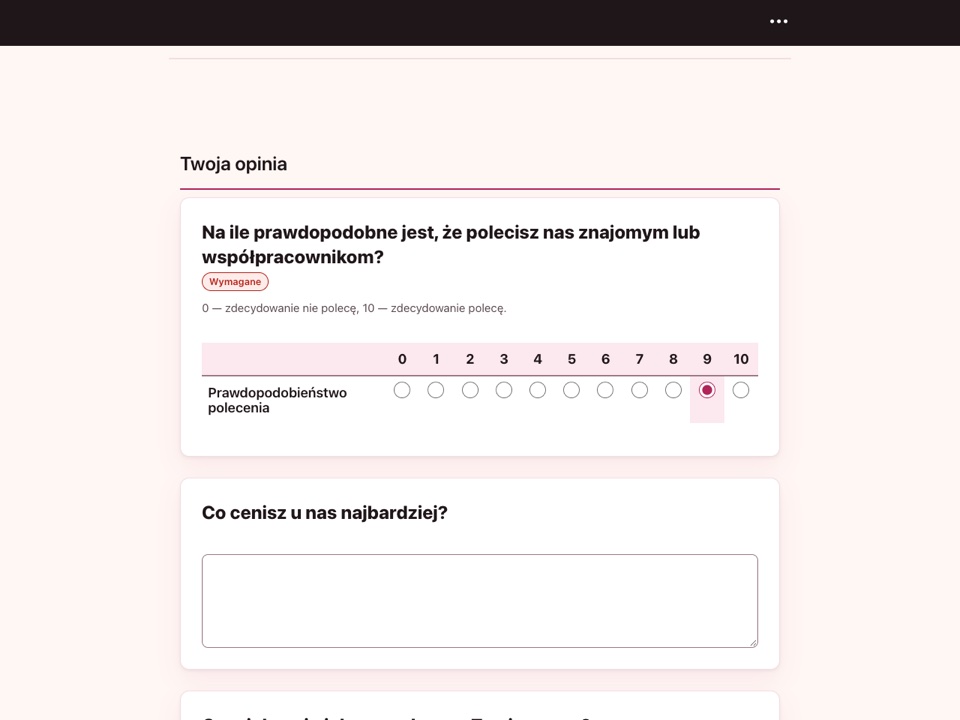
NPS — customer loyalty
Classic Net Promoter Score survey: a 0–10 rating, a follow-up question matched to the score, a computed segment (promoter, passive, detractor) and consent to be contacted.


Twelve free questionnaires in English and Polish: from NPS and customer satisfaction, through employee surveys and evaluations, to telephone (CATI) and field (CAPI) interview skeletons. Each one comes with conditional logic, ready-made invitation emails and a matching theme. How to import.
We imported every template and completed it from start to finish in a browser, in both languages, on LimeSurvey 6.15.12 and 7.10.0.
Classic Net Promoter Score survey: a 0–10 rating, a follow-up question matched to the score, a computed segment (promoter, passive, detractor) and consent to be contacted.
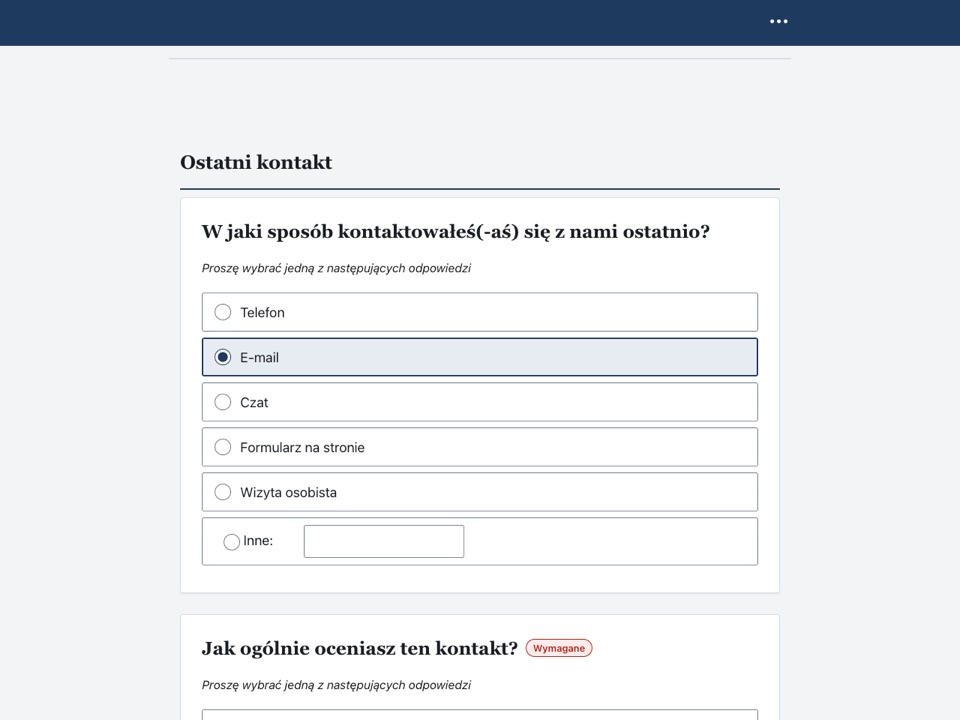
A post-contact survey: CSAT 1–5, customer effort (CES), first-contact resolution and a rating of four service aspects.
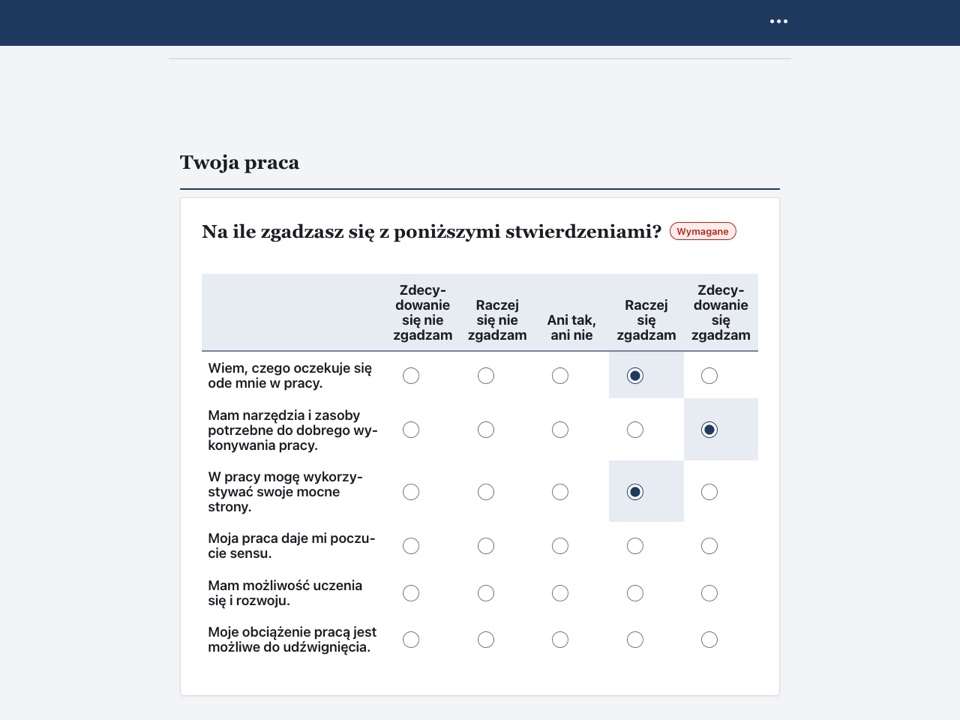
An engagement survey: 17 statements in three areas (the job, manager and team, the organisation), eNPS, two open questions and optional demographics.
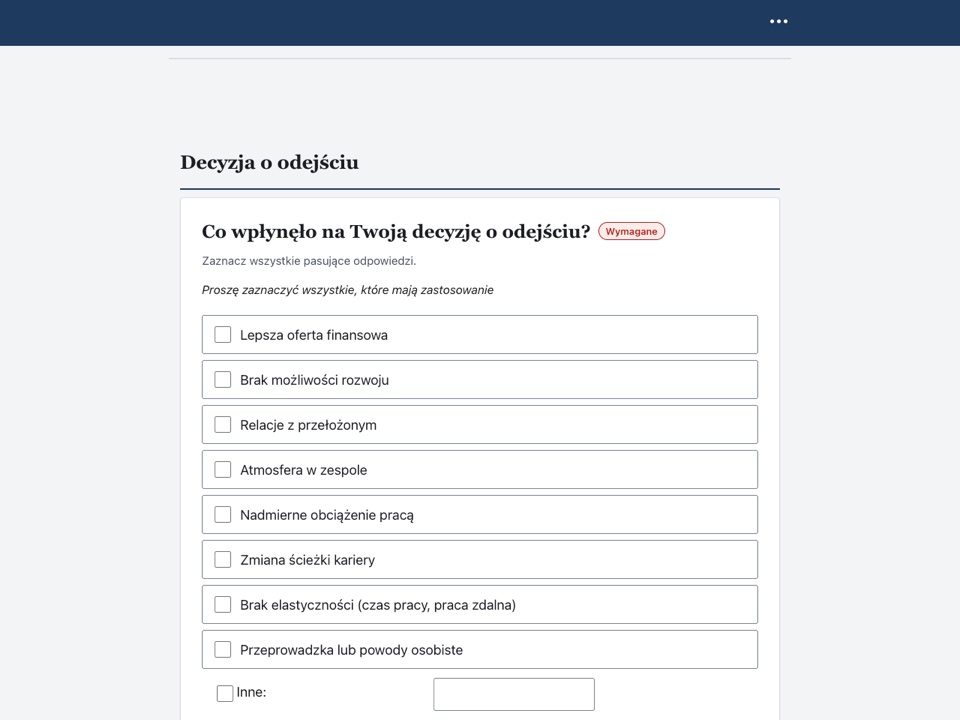
A survey for departing employees: reasons for leaving, what could have changed the decision, a rating of six job areas and willingness to recommend and return.
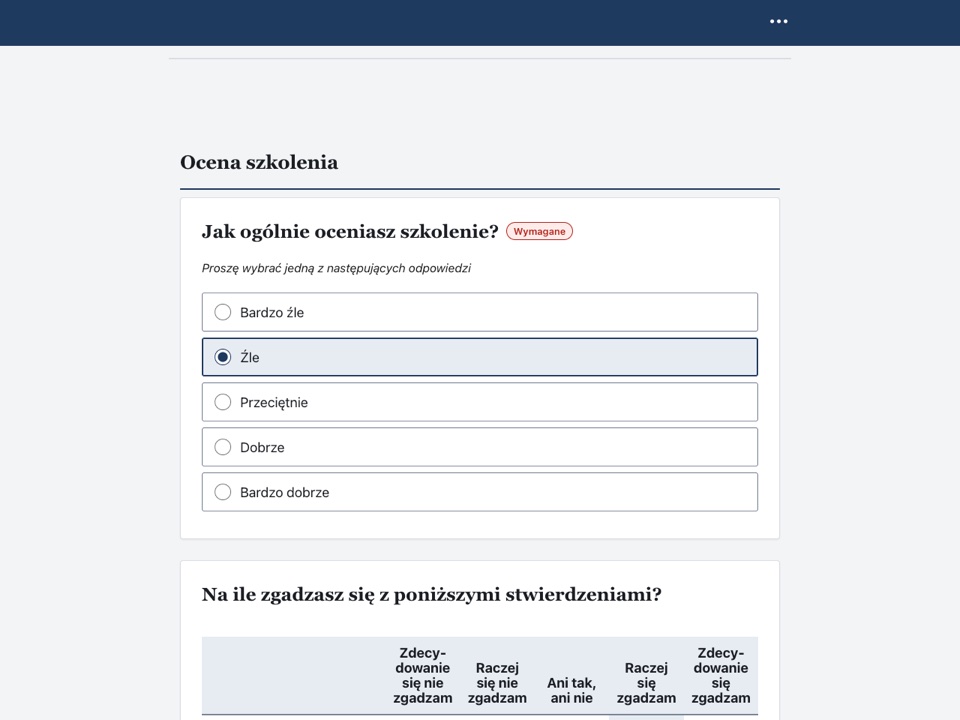
A post-training survey: overall rating, objectives, the trainer, organisation, likelihood to recommend (NPS) and suggestions for future topics.
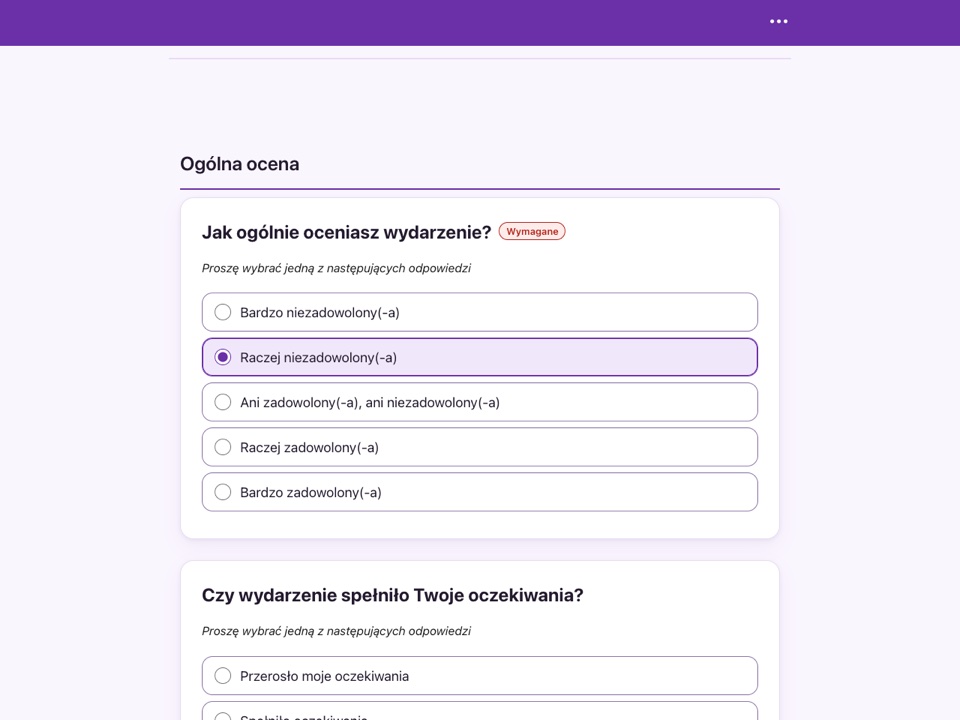
A survey for event attendees: satisfaction, expectations, a rating of six elements, how they heard about the event and intention to attend again.
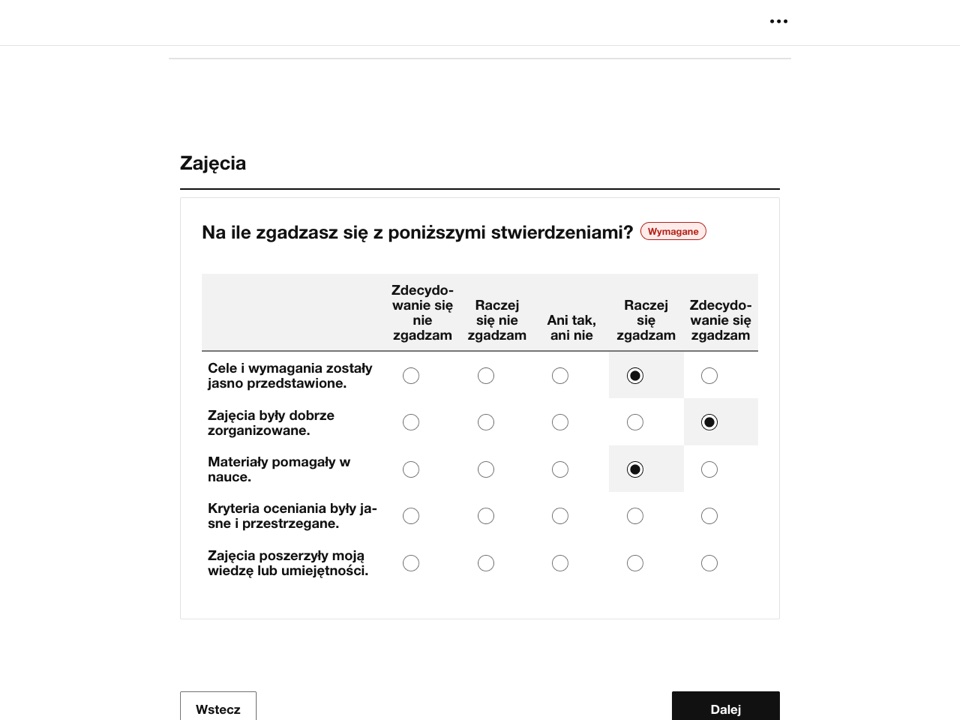
A student course evaluation: course organisation, the instructor, workload and attendance, plus two open questions.
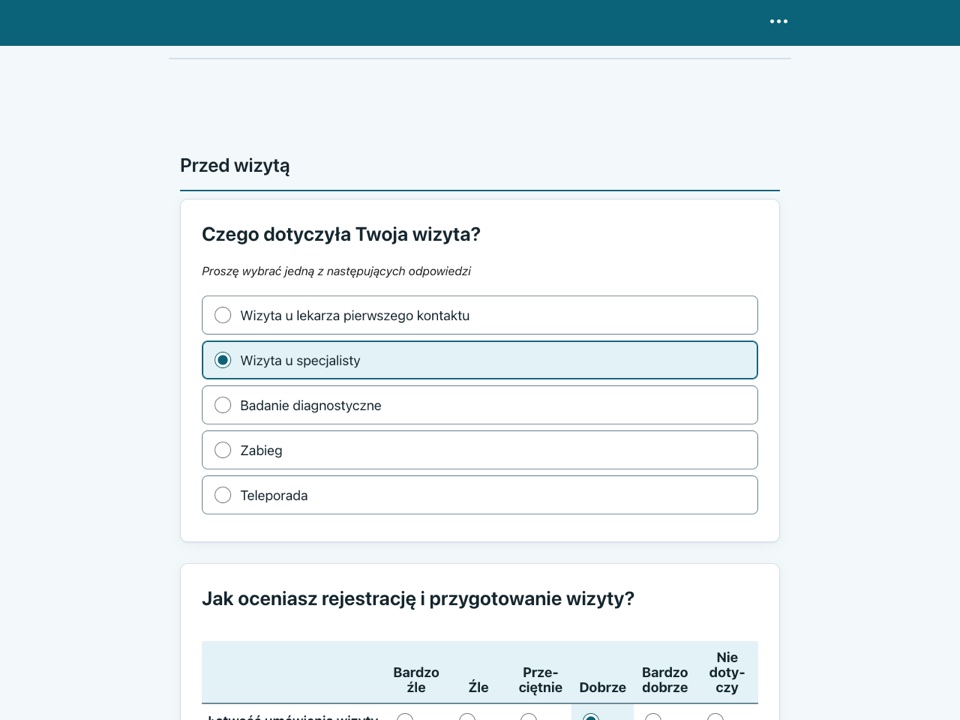
A post-visit survey for healthcare providers: registration and waiting time, communication with the doctor, the facility, overall rating and likelihood to recommend. No health data collected.
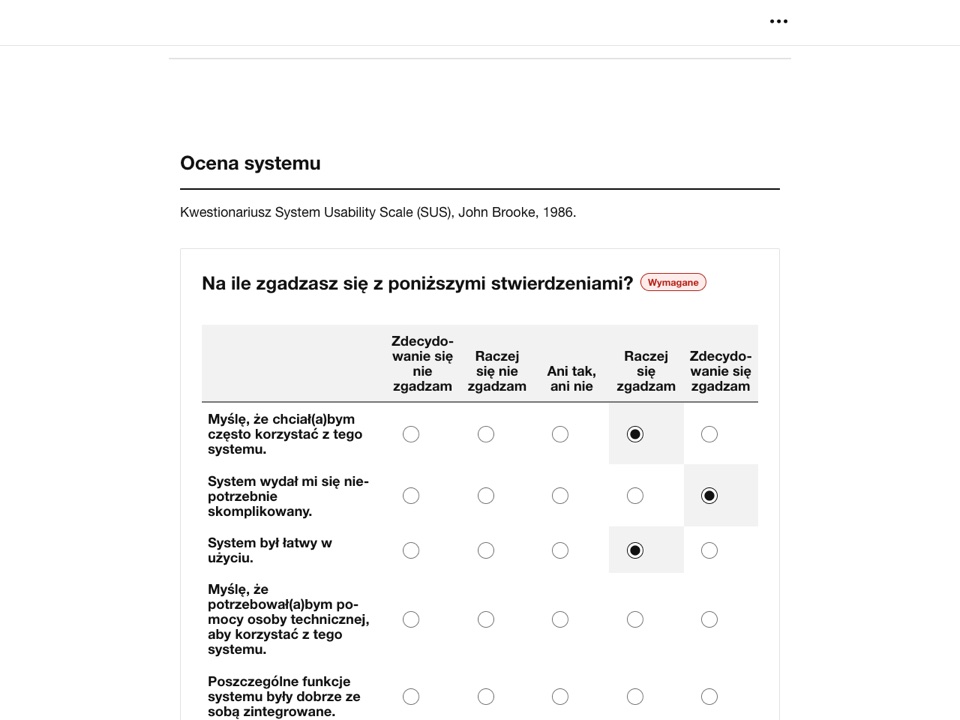
The standard System Usability Scale questionnaire (10 statements, a 1–5 scale). The 0–100 score is computed automatically into the SUSSCORE field.
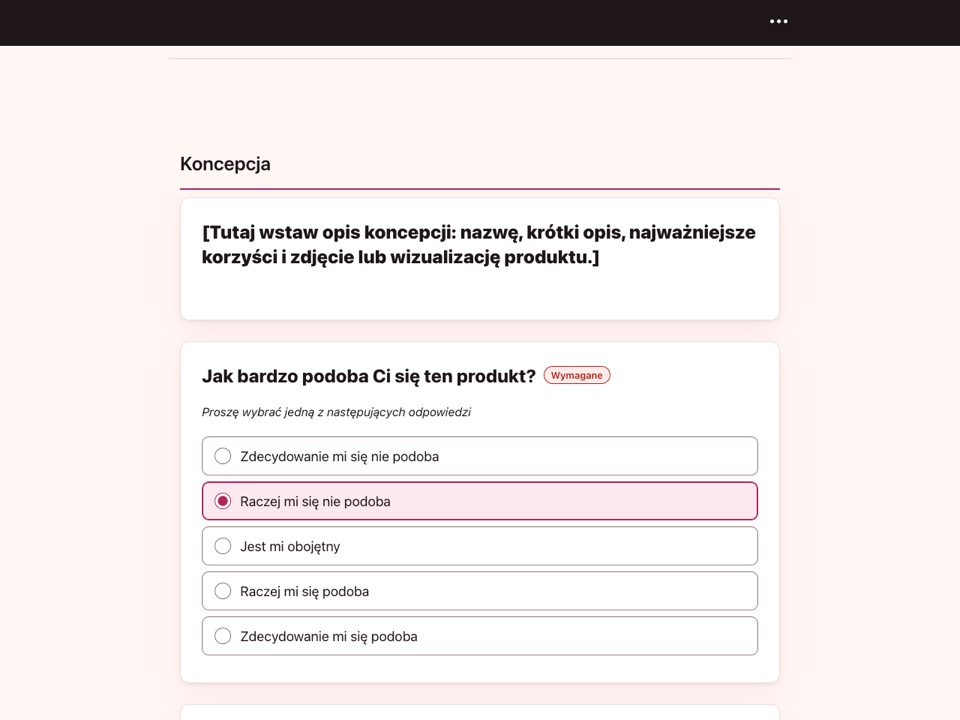
A new concept study: appeal, uniqueness, relevance, purchase intent and four pricing questions using the Van Westendorp method (PSM).
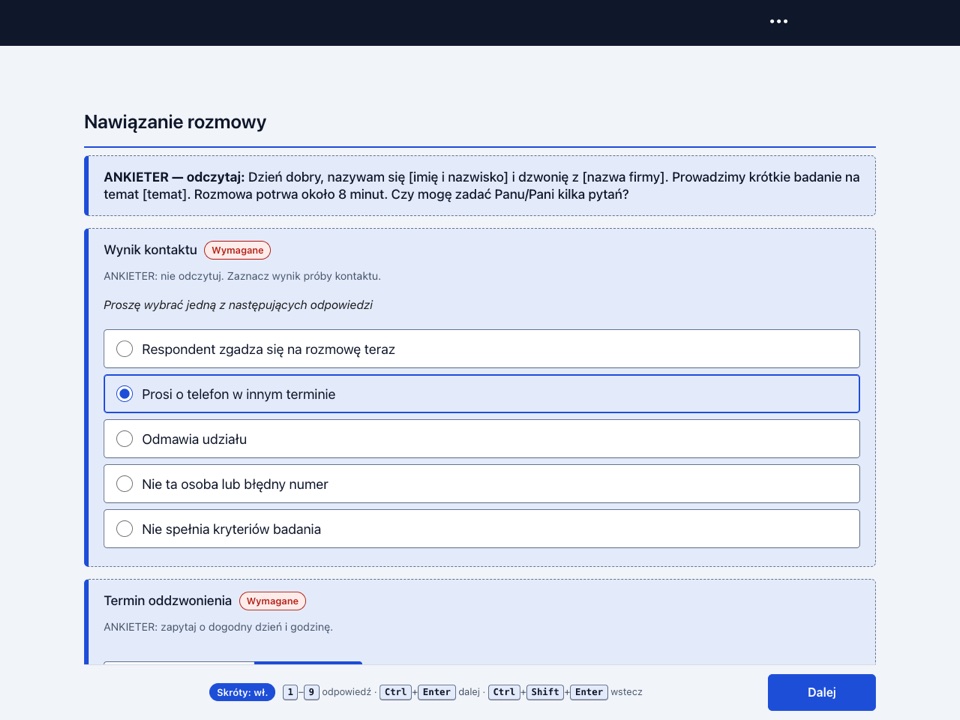
A telephone interview skeleton: opening script, call outcome (interview, callback, refusal), consent, a question block, demographics and interviewer notes. Includes participant fields: phone, contact status, callback time, note.
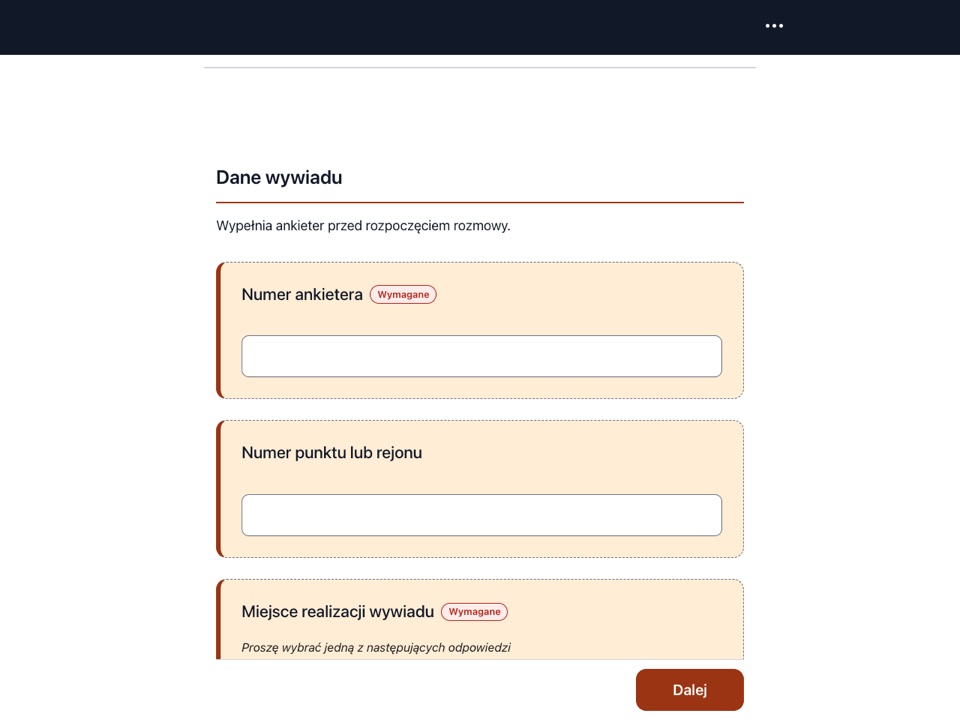
A tablet field interview skeleton: interview details (interviewer, sampling point, place), consent, screening, a question block with show cards and ranking, demographics and post-interview observations.
The templates are generated from readable JSON definitions and built by the same script that validates them. After importing you can change anything in LimeSurvey.
Connect to your instance and open Surveys → Template library. Pick a template and tap Import — the survey appears in the list as inactive, ready for editing. Open the app.
Download the .lss file. In the panel choose Surveys → Create survey → Import, select the file and click Import survey.
Call import_survey with the file content encoded in base64 and the type lss. This is how the import in LimeControl and the survey-templates/verify.mjs script in the repository work.
After import the survey is inactive. Fill in the texts in square brackets (company name, study topic), set the administrator and activate it — in the panel or in LimeControl.
The CATI and CAPI templates include scripts to read out, the call outcome, respondent consent and an interviewer notes block. They look best with the CATI and CAPI themes, which highlight interviewer instructions and keep the navigation buttons at the bottom of the screen.
The template defines four participant attributes: Phone, Contact status, Callback time and Interviewer note. When initialising the participant table in LimeControl, tick “Create fields from the template”.
In LimeControl open the survey in CAPI mode — when an interview is finished the survey starts again, without the previous respondent’s data.
Full CATI/CAPI fieldwork — a case queue, a VoIP phone, interviewer assignments, quotas and quality control — is provided by a StrefaAnkiet platform account. The free plugins connect it to LimeSurvey.
Yes. The templates are released under CC0 1.0 — you may copy, change and use them for any purpose, without attribution. The SUS questionnaire was created by John Brooke (1986) and is freely available for use.
We tested them on LimeSurvey 6.15.12 and 7.10.0. The files use the survey structure format introduced in LimeSurvey 4, so they should also import in versions 4 and 5 — but we have not tested those.
After importing, open Survey settings → General and remove the language from “Additional languages”. To change the base language, copy the survey and choose a new base language in the copy’s settings.
The template names a suggested theme (e.g. lc_medical). If it is not installed, LimeSurvey uses the default theme. Download the themes, install them and select the theme in the survey settings or in LimeControl.
The template definitions are JSON files in the survey-templates/templates directory of the LimeControl repository. Open an issue or send a pull request — the build script validates the file for you.
In LimeControl you pick a template, import it into your instance and activate the survey.